We accept:


 01706 214 233
Creating an account has many benefits: check out faster, keep more than one address, track orders and more.
The most expensive mistake in PC gaming is buying frames your monitor can't show you. A 60Hz monitor refreshes 60 times a second, so a machine producing 200fps (frames per second) is displaying 60 of them and throwing the rest away. People spend hundreds closing a gap that isn't there.
So, before any of the numbers, check what your monitor’s maximum refresh rate is and make sure that Windows has set the monitor to that refresh rate in the Windows display settings. To secure stability and compatibility, manufacturers usually ship their monitors defaulted to 60Hz despite what they're capable of. This is a relatively quick check that will be useful to know as you continue reading the article.
With that established, 60fps is the point where games feel properly smooth. Somewhere between 120 and 144fps is where most people should aim if they can, because that's a step up you will notice immediately. Past about 240fps, the gains get small enough that only competitive players chasing every advantage need to think about it.
Once you know your monitor's refresh rate, make sure your PC can handle running games at that fps, otherwise you aren’t getting the most out of it. A 144Hz monitor wants a PC that can hold somewhere near 144fps in the games you play, and going much beyond that buys you very little.
One useful exception is variable refresh rate, listed on monitors as NVIDIA G-Sync or AMD FreeSync, lets the monitor adjust its refresh to match whatever the PC is producing. That removes screen tearing and smooths out the moments where frame rate dips, and it makes a mismatch between PC and monitor far less painful. If you're buying a monitor, it is recommended to get one with either G-Sync or FreeSync depending on what GPU you have. If you have a NVIDIA GPU, get a G-Sync monitor; if you have an AMD GPU, get a FreeSync monitor.
Average fps is the main number everyone emphasizes on their PC specs, but a high average fps doesn’t mean that fps is consistent while playing.
While playing games, what you immediately notice are the bad moments when the game drops in frames for a second or longer. A game running at 140fps that drops to 45 when an in-game explosion happens feels worse than a game holding a consistent 90, even though the first has a much better average. Those dips are what benchmarks call 1% lows, and that’s when stuttering can happen.
It's why two machines with similar average frame rates can feel very different, and why a balanced build often beats one with an expensive graphics card and a processor struggling to keep up. Consistency comes from the whole system rather than from one component.
If you notice a consistent drop in fps during gameplay, don't assume you require better hardware to play. Turn a couple of the heaviest settings down, cap the frame rate slightly below your monitor's refresh, and see whether it smooths out the fps as this often resolves the issue. If you are struggling on what the best settings to tweak are, you can’t go wrong with googling the best settings for the game you are playing and trying out other people’s graphic settings.
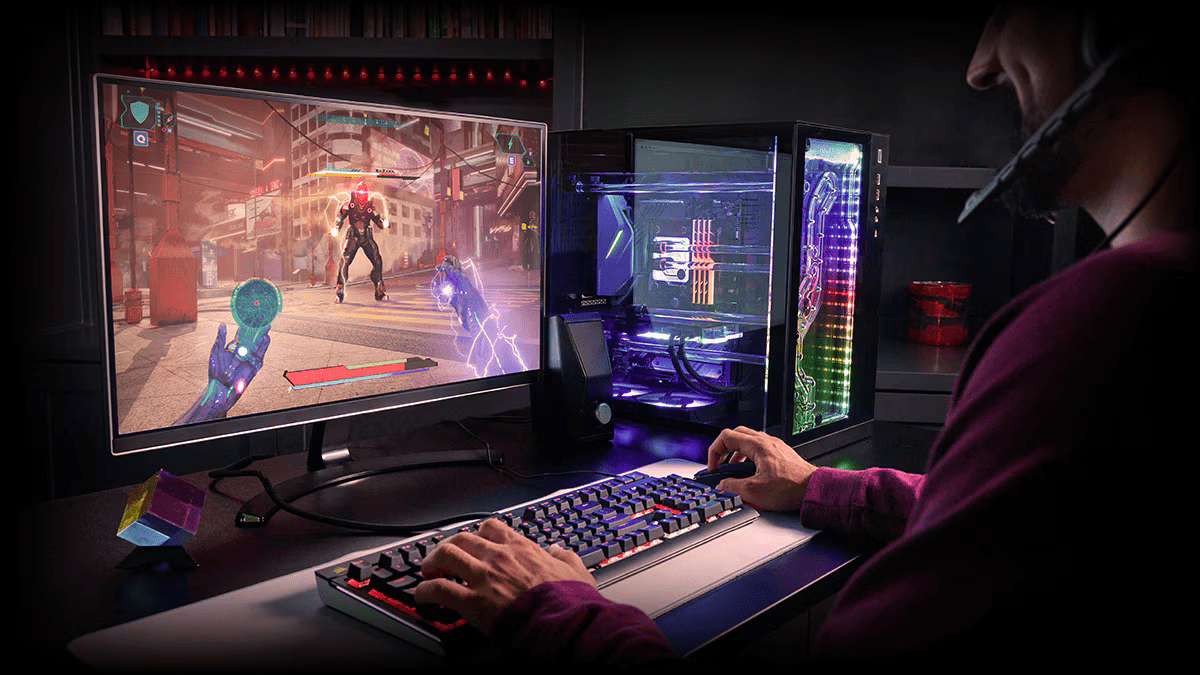
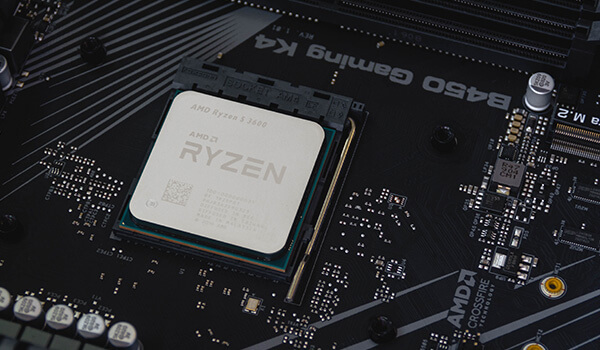
Competitive shooters: This is where the highest fps genuinely is the biggest priority. Counter-Strike, Valorant, Apex Legends, Rainbow Six Siege and other similar shooters reward 144fps and above, partly because motion is clearer and partly because you see things marginally sooner. These games are also relatively light compared to high-graphical single player games, so hitting those numbers doesn't need extreme hardware.
Single-player and story games: Generally speaking, players usually prefer higher graphical settings than higher fps. Therefore, your PC should be able to run at a consistent 60fps minimum at your monitor’s resolution. Action single-player games like Ghost of Tsushima, Cyberpunk 2077, and Red Dead Redemption 2, will benefit from a higher fps/refresh rate, as combat experiences feel a lot smoother with higher frames. However, trying to run these games at 4K resolution at 144Hz or 240Hz consistently will require high-end hardware that can get very expensive, including the monitor.
Simulators. Consistency matters far more than peak. Flight and racing sims feel wrong when the frame time wobbles, even at high averages. A solid 60 fps with no stutter beats an erratic 100 fps.
Strategy, city builders and turn-based games. Much less than you'd think. These rarely feel bad below 60 fps. Most performance issues occur after playing for a few hours on a single game save due to the amount of resources and buildings being displayed, and this is usually a RAM or GPU VRAM issue, not related to fps or monitor refresh rate. Long loading times is generally due to storage drive speeds.
Worth understanding before you read any spec sheet, because it changes what the frame rate figure means.
Frame generation, including NVIDIA's DLSS Multi Frame Generation and AMD's FSR Frame Generation, inserts additional frames between rendered ones. This can increase your fps dramatically, and make motion look a lot smoother. However, it still can’t make your monitor display more frames than its maximum refresh rate.
What it doesn't do is make the game respond faster. Your inputs are still being handled at the underlying rendered frame rate, so a game showing 200fps with generation on doesn't feel like a game natively rendering 200fps. NVIDIA's Reflex and similar technologies exist to keep that latency in check and they do help, though the distinction is real.
So, frame generation is excellent for making a demanding single-player game look fluid. It's less useful in competitive shooters where response time is the whole point, and it works best when your base frame rate is already reasonable rather than as a rescue for a game running at 30. Treat generated frames as a visual smoothing feature rather than as free performance. If you are comparing two machines, investigate whether their claimed fps is with frame generation turned on or off.
While this can vary across different game titles and genres, here is a rough guide to what specs you will need for a certain fps at a certain in-game resolution.
1080p at 60fps in modern games: Within reach of builds with a dedicated entry-level graphics card. See RTX 5050.
120 to 144fps at 1080p or 60fps at 1440p: Comfortable across the mid-range in competitive titles, with demanding single-player games sitting lower. Look at RTX 5060 and RTX 5060 Ti.
120 to 144fps at 1440p or 60fps at 4K: An RTX 5070 sits around this mark, with the RTX 5070 Ti giving more headroom.
4K at high refresh: Possible with the RTX 5070 Ti across some game titles or with lower graphics settings. An RTX 5080 or RTX 5090 will be more consistent.
And if your monitor is the limiting factor rather than the PC, browse the gaming monitors.
What to read next


