We accept:


 01706 214 233
Creating an account has many benefits: check out faster, keep more than one address, track orders and more.
There are two core things that decide whether a gaming PC is a good match - the screen you'll plug it into, and the games you play.
Match to both correctly and a £900 machines can feel better than a £2,000 one aimed at the wrong needs.
So before you compare a single spec, answer two questions. What resolution and refresh rate is your monitor, or the one you plan to buy? And what do you spend most of your time playing? Everything below follows from those two answers.
Most people work this out backwards, which is why it goes first. A PC's job is to feed frames to a screen. If that screen is a 1080p 144Hz panel, a machine capable of 200fps in your games is.
1080p is where most people are, and it's the easiest resolution to get high frame rates at. If you play competitive shooters, this is the right target. Your money goes further here.
1440p asks more of the graphics card and gives a real jump in sharpness in return. It's the sensible spot for most mid to upper tier builds.
4K needs serious hardware to run modern games well. It's a genuine step up in image quality. Don't buy a 4K screen and a mid-range PC and expect the two to work well together.
Ifyou haven't bought a monitor yet, decide the resolution first and let it set your PC budget rather than the other way round.
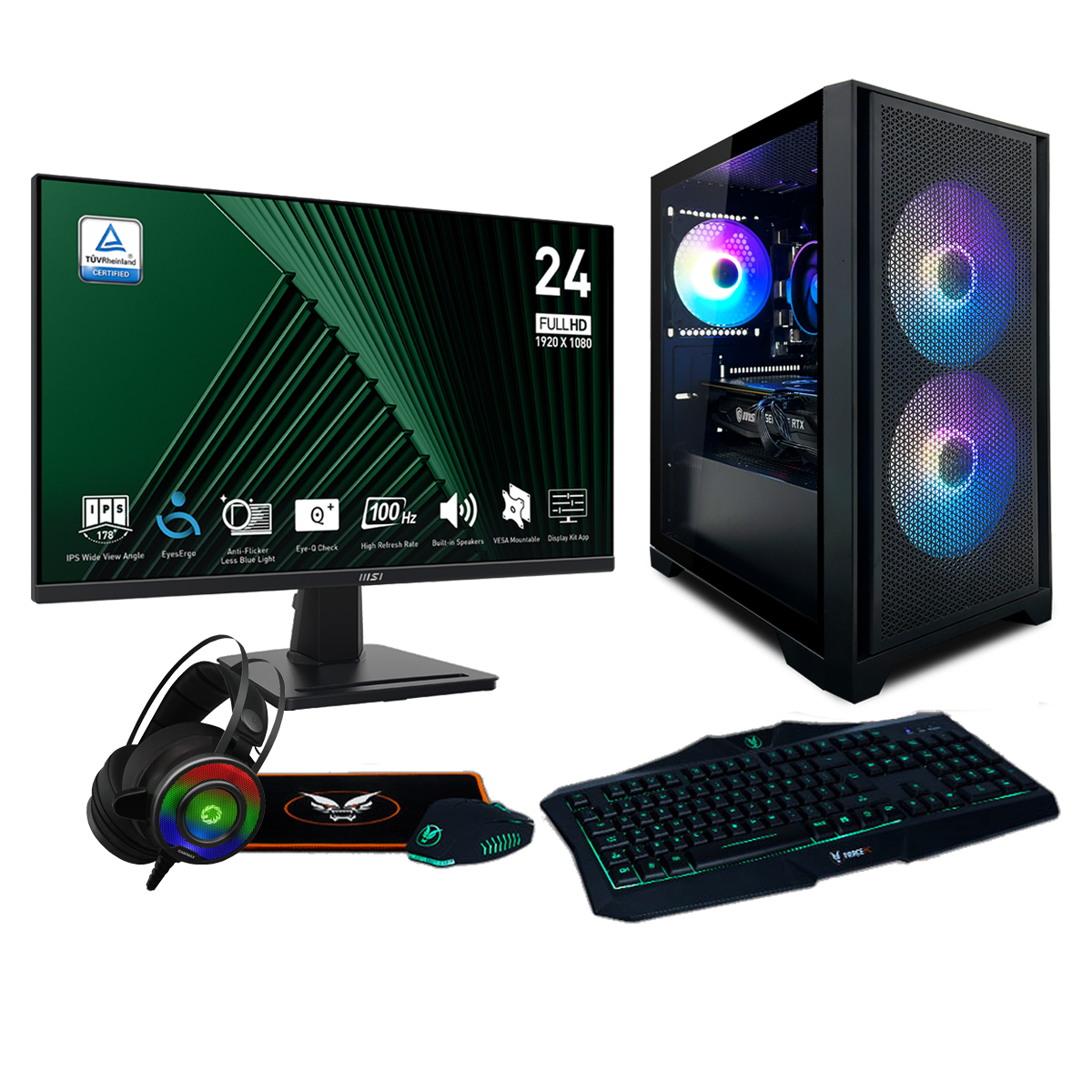
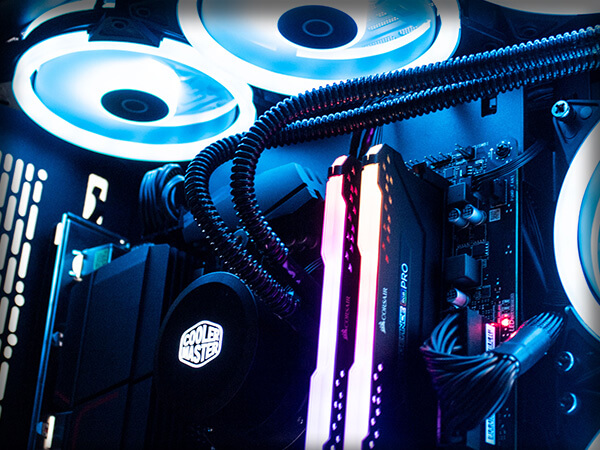
Two builds at the same price can behave very differently depending on what you’re running.
Competitive titles are relatively light. Valorant, Counter-Strike, Rocket League and Fortnite run well above 100fps on modest hardware, and what serves you well there is a fast processor and a high refresh monitor, rather than the most expensive graphics card.
Big single-player games invert that. Cyberpunk, Red Dead Redemption 2, Elden Ring etc. require more from the graphics card, and that's where the budget should sit.
Simulation and strategy are their own case. Flight sims, city builders and grand strategy titles are limited by the processor rather than the GPU, so a strong CPU matters more than usual.
And if you mostly play Roblox, Minecraft, The Sims or older titles, you need far less machine than the marketing suggests. Several builds, at the lower end, use integrated graphics and handle those games perfectly fine.
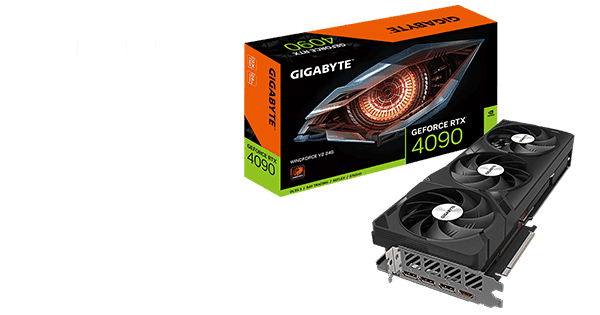
For most people the graphics card is the biggest single decision and should take the largest share of the budget. It sets your ceiling and everything else supports it. The processor needs to be good enough not to hold it back, and past that point extra spend on the CPU returns less than the same money spent on the GPU. The simulation and strategy case above is the exception.
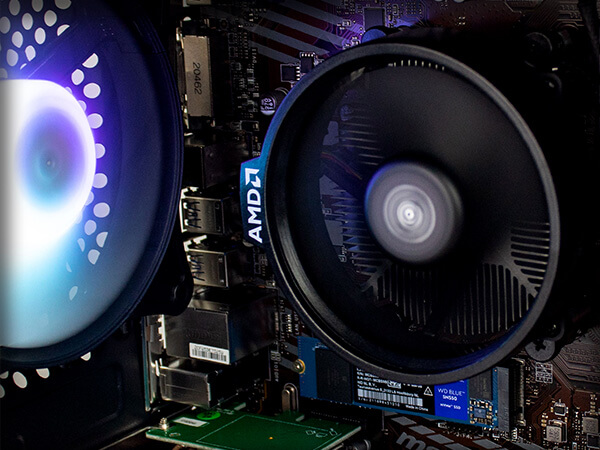
Then there's the stuff people overthink. 16GB of RAM is the right amount for gaming and going to 32GB rarely raises frame rates, though it helps if you stream or edit alongside playing. Storage is about capacity rather than speed, since any NVMe drive is fast enough that you won't notice the difference between them. Case and lighting change nothing about performance, so buy what you like the look of.
The power supply is one unglamorous component worth caring about. Everything else depends on it, and a cheap one is a false economy.
This is a rough guide, based on what these prices currently buy:
Around £600 to £800. Entry level. Expect a Ryzen 5 class processor, 16GB of RAM and NVMe storage, with graphics either integrated or an entry card. Fine for esports and lighter games at 1080p, not built for demanding AAA titles. See gaming PCs under £600 and under £800.
£800 to £1000. Where a dedicated graphics card becomes standard and modern games run at high settings at 1080p. The best value bracket for most first-time buyers. Browse gaming PCs under £1000.
£1000 to £1500. Comfortable 1080p at high frame rates, and 1440p becomes realistic. Typically 32GB of memory and a current-generation card. Have a look at gaming PCs under £1500.
£1500 to £2000. Solid 1440p at high refresh rates in demanding games, with enough headroom that you won't be adjusting settings much. See gaming PCs under £2000.
£2000 and up is 4K territory, or 1440p with everything turned on and frame rates to spare. This is also where the enthusiast processors and top-tier cards live. Browse gaming PCs over £2000 or the high-end range.
It's worth remembering if you're stretching: the jump from £600 to £1000 buys you far more than the jump from £2000 to £2500.
Building your own can save money, provided you're comfortable doing it, patient about component prices, and willing to be your own tech support at eleven at night when the thing won't post.
A prebuilt machine is tested before it ships, arrives working, and comes with a warranty covering the whole system rather than each part separately. That last point is worth more than people expect. When a component fails in a self-built machine you're dealing with several manufacturers and their individual RMA processes, in your own time.
There's a middle option too. Our PC configurator lets you pick each part yourself while we handle the assembly and testing, which suits people who know exactly what they want but don't want to build it.
Worth knowing before you order: custom builds take six to eight working days to assemble and test, with express builds at three to five. If you need something faster, next day systems are prebuilt and dispatched the same working day, though the spec is fixed.

Look at what the warranty actually covers and for how long, including who pays return postage. Terms vary a lot between builders and the headline number rarely tells the whole story.
And if you're buying a screen and peripherals at the same time, price up a complete bundle against buying the tower on its own. If you already own a monitor you're happy with, skip it and put the difference into the PC.
If you're still unsure, browse the full range, or take the quick quiz and it'll narrow things down based on what you play.
Where to go next


