We accept:


 01706 214 233
Creating an account has many benefits: check out faster, keep more than one address, track orders and more.
What decides this usually isn't money, but almost every online comparison leads with money; it's who owns the problem when the machine stops booting 18 months from now.
Building it yourself can be cheaper monetarily but it will cost you time and you’re responsible to keep track of the individual component warranties. If you want a machine that works on Thursday, buy a prebuilt. However, if you want to choose the parts but not do the assembly, go to a custom PC builder.
Building systems yourself can be cheaper, mainly because a professional builders’ assembly fee is baked into their system price. However, two aspects can make the price difference small than you think. Professional builders buy components in volume at prices individuals can't get, and single-unit retail pricing for memory and storage has risen sharply through 2026 while sometimes professional builders’ system prices haven't always gone up in price with retail pricing.
Therefore, make sure to price both options on the day, for the same specification. Sometimes self-building wins by a useful margin; sometimes pre-builds can be cheaper, but more surprisingly custom builds can also end up cheaper but rarely.
First time builders sometimes forget about initial costs that pre-build/custom builds already consider: Windows is around £100 or more (if you're buying it separately), cable ties, and possibly a screwdriver (if you don't own one). Small individually, but they add up on a first build.
Most of the cost of building is time and warranty. Someone doing their first build can take 2-5 hours depending on build complexity and confidence, and if it doesn’t go right, they can end up spending more time troubleshooting for faults. For experienced builders, it usually only takes 1-2 hours.
Warranty is the one that gets underweighted, and it's why this article opened where it did; with a self-built machine every component has its own warranty with its own manufacturer, so when something fails you have to work out which component is faulty before you can claim on anything. Intermittent faults are the worst case, because you may be investigating for weeks to isolate it. With a complete system, it is the professional builder’s responsibility to diagnose and resolve the issue (depending on their warranty); all you have to do is describe the symptom and it becomes their problem. This is worth real money on a machine costing 4 figures and is invisible in a price comparison.
There are also assembly risks, which is unlikely, but it is something to consider to someone not confident in building. Components can be damaged during assembly, and physical damage is not covered under warranties, so damage could mean having to pay for a component again, which can be costly with the component price increases in 2026. Also, you have to be confident that the components you end up buying, will fit together and work. Make sure you research the components so that you have enough motherboard headers for all of your case USB ports, and the chipset works with your CPU, for example. You won’t have a configurator showing you what can and won’t work as they might not list your components, and that could be for a compatibility reason.
Lastly, there is another reason for going for a pre-built/custom system that people often forget: finance. Buying parts individually usually means paying up front, where complete systems are more likely to offer spreading the cost. For some people that's the difference between buying now and not buying at all.
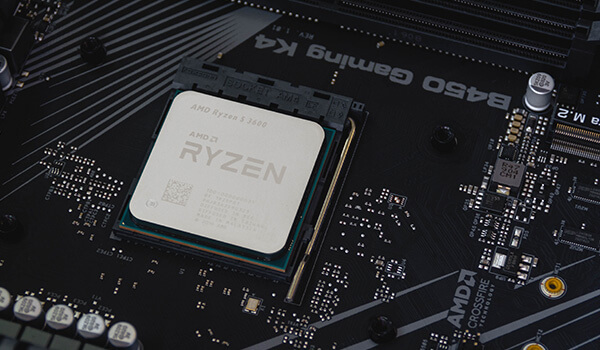
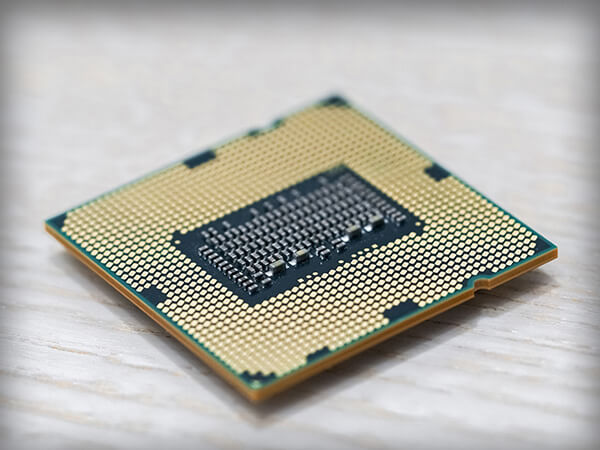
You have complete control over the build, including the components prebuilt spec sheets tend to skim over. Even if you go with a custom system builder, you will be limited to the component options they list on their website. Therefore, if you care about a particular power supply, a specific case, or a cooler you've researched, self-building is the only route that guarantees it.
Building the system yourself gives you the experience to confidently build again. When you want to get a new PC after or upgrade in the future, it will feel less daunting than it will be the first time. Also, you will get to know inner workings of your machine, so if a hardware fault were to develop, you won’t be afraid to open the system again to resolve it.
If you already have a good case, power supply and drives, buying a complete system means paying for those twice. It will be a lot cheaper, to reuse those old components and just buy what you need to complete the system.
The last reason is: some people simply enjoy building PCs; that's a legitimate reason and it doesn't need justifying against a spreadsheet.
This is the crucial check, and it applies to any professional builder, including us.
Parts that aren't listed: A specification naming the processor, graphics card, memory and storage but going quiet on the power supply, motherboard and cooler is telling you something. Those specs might have cheaper components without the headline numbers changing; if you are unsure, ask them before buying.
Whether the parts are standard: Some large manufacturers use proprietary motherboards, power supplies or cases, which means you can't upgrade later without replacing more than you expected, while standard components keep your options open.
What the warranty actually covers: “How long is the warranty?”, “what is covered?” and “who pays return postage for repairs?” are the questions you should always ask. The headline number of years rarely tells the whole story, and terms differ a lot between builders. Ours are set out on the warranty page.
The memory configuration: Check whether the spec uses two matched memory modules rather than one large one, because a single module is a drop in performance. It's an easy place to shave a few pounds and it's visible in the specification if you read it.
Whether it's tested: A machine that's been benchmarked and stress-tested before shipping is a different product from one that's been assembled and boxed. Even if the PC has been assembled 100 times before, sometimes hardware just develops faults without any clear reason. It is always best that your pre-built is checked right before shipping.
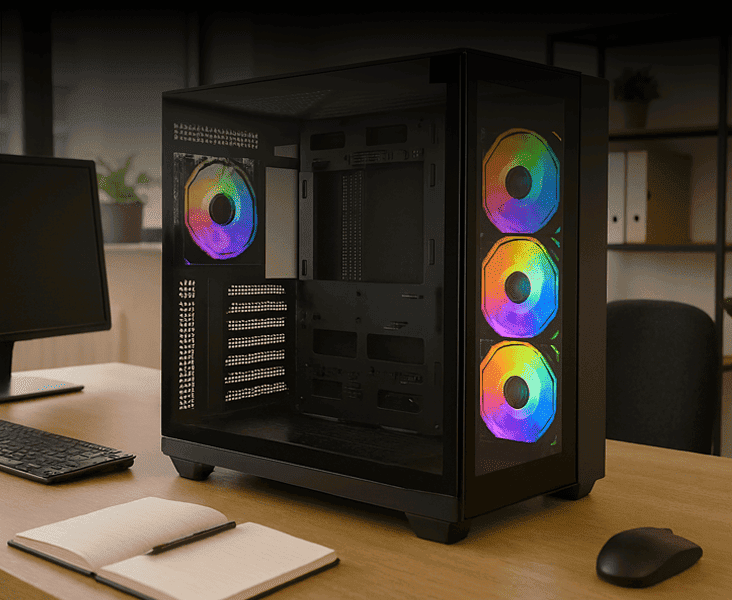
You can specify every component yourself and have someone else assemble, cable, test and warranty it. That's what a PC configurator is for, and it suits a large group of people who know exactly what they want but would rather not spend a Saturday on it, or who want a single warranty covering the whole machine. Bare in mind, usually custom system builders have a selection of components to choose from, which might not include specific parts you are looking for if its niche.
You give up a little of the cost saving and the satisfaction of building, but you keep some of the part-by-part control and don’t have accountability for the construction.
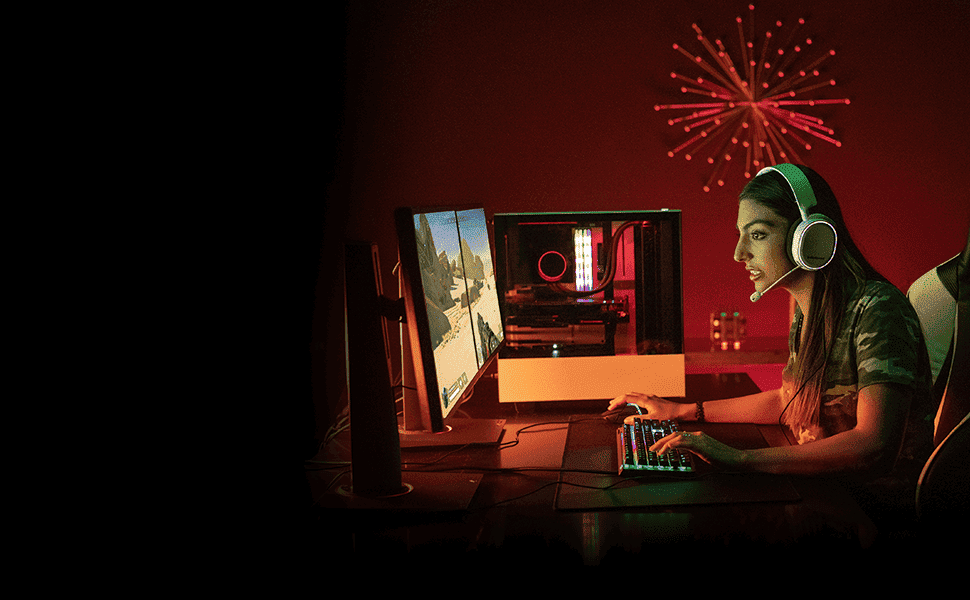
Buy a prebuilt if this is your first gaming PC, if you want it working immediately, if you'd rather have one company responsible when something goes wrong, or if you want to spread the cost. Browse the gaming PC range.
Build it yourself if you enjoy the process, you have specific parts in mind, you're reusing components you already own, or you have the time and patience for the day it takes and the occasional day it doesn't. We sell individual components if that's the route.
Configure it if you want the control without the assembly, or if the warranty on the whole system matters more to you than the last few percent of saving.
Whichever way you go, price both before assuming building is cheaper, and include the Windows licence when you do. The people who insist there's only one right answer here are usually arguing about their own preferences rather than yours.
Ready to buy?
What to read next


