We accept:


 01706 214 233
Creating an account has many benefits: check out faster, keep more than one address, track orders and more.
Two things decide this and most guides mention only one: the resolution you play at, and the frame rate you're aiming for. A card that runs 1440p at 60fps and a card that runs 1440p at 240fps are entirely different purchases.
Here's both axes, using cards you can actually buy today.
| What you're driving | Sensible choice |
|---|---|
| 1080p, 60fps | RTX 5050, RTX 5060 |
| 1080p, 144fps and up | RTX 5060 Ti 16GB, RX 9060 XT |
| 1440p, 60 to 100fps | RTX 5060 Ti 16GB, RTX 5070 |
| 1440p, 144fps and up | RTX 5070 Ti, RX 9070 XT |
| 4K with upscaling | RTX 5070 Ti, RTX 5080, RX 9070 XT |
| 4K native, high refresh | RTX 5080, RTX 5090 |
Competitive shooters shift everything down a row, because they're far lighter than modern single-player games. Simulators and heavily modded games shift it up.
The card tier tells you how fast it is and the memory tells you how long it stays relevant.
8GB VRAM is fine at 1080p and getting tight at 1440p, particularly in recent releases with high-resolution texture packs and ray tracing. At 4K it's a real constraint; that isn't a reason to avoid 8GB cards, but it does mean an 8GB card is a 1080p card, and buying one for a 1440p monitor is buying a compromise you'll notice within a couple of years.
Which is why the RTX 5060 Ti 16GB sits better than its position in the range suggests. It isn't dramatically faster than the 8GB cards below it, and the memory gives it genuine 1440p legs.
The honest weakness of the RTX 5070 is that while 12GB is comfortable at 1440p, it's also the thing that limits the card at 4K, as it runs short of memory before it runs short of processing power. If you're at 1440p and staying there, that's a non-issue, but if 4K is the plan, the 16GB cards are the better buy.
Worth labouring, because it's where money gets wasted in both directions.
Driving a 1440p 60Hz panel is a modest ask; driving a 1440p 240Hz panel is roughly four times the work and needs a much stronger card to get near it. Same resolution, completely different requirement.
So, check your monitor before you check any card: what resolution is it, what refresh rate does it run, and is it actually set to that refresh rate in Windows rather than defaulted to 60Hz. That last one costs nothing to verify and catches more people than it should.
If the monitor is the weaker part of your setup, fix that first, as a better card behind a 60Hz screen shows you nothing extra.
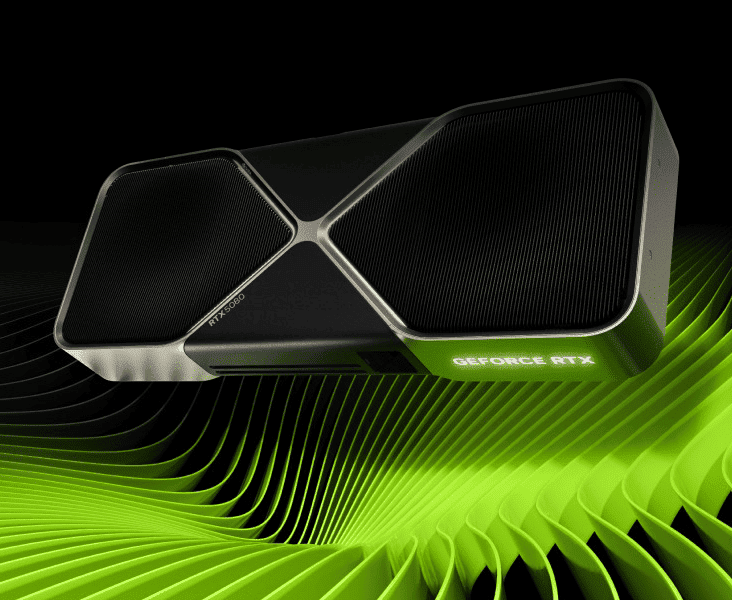
Quite a lot, but mostly at the top end.
Modern upscaling renders the game at a lower internal resolution and reconstructs it with AI. At 4K, on the Quality setting that means the card is rendering at 1440p which is then upscaled by AI, so a card handling 1440p well handles 4K-with-upscaling well. It's why 4K stopped requiring a flagship graphics card.
The row in the table for native 4K exists because some people genuinely want it, and because path tracing and very high refresh rates still ask for that much hardware. For everyone else, 4K with upscaling on a 5070 Ti or 5080 is the sensible version of the same goal.
Both make good cards as raw performance is closer than the marketing on either side suggests, but two things do separate them.
Ray tracing is the first; NVIDIA still holds a lead there and it widens in the heaviest implementations like path tracing, so if that's a priority it points one way.
Upscaling generation is the second, and it's the one people miss. AMD's current upscaler, FSR 4, requires the RX 9000 series, where earlier Radeon cards are limited to the older version, which works but isn’t as good. NVIDIA's upscaling runs across every RTX generation. However, only the 50 series cards get the new DLSS 5. So on the AMD side, which generation you buy matters more than it does on the NVIDIA side, and the current RX 9000 cards are in a much stronger position than their predecessors were.
In practice: at 1440p, an RX 9070 XT and an RTX 5070 Ti are close enough that price on the day should decide it. At 4K with heavy ray tracing, NVIDIA has the edge.
You can see both in the graphics card range, or as complete builds in the RTX 50 series and Radeon RX 9000 series ranges.
Don't buy for a monitor you might get later: Graphics cards lose value quickly, and the card you'd want for that 4K panel in two years isn't the one on sale now. Buy for the screen you have, upgrade when the screen changes.
Don't buy a flagship for competitive shooters: Those games are light, and at 1080p or 1440p you'll be limited by your processor long before the card runs out. That budget does more in the CPU or the monitor.
Don't pay a large premium for a small tier step: The gaps between adjacent cards are often 10 to 15% while the price gaps have been considerably wider than that through 2026. Work out the cost per frame on the day rather than assuming the next tier up is proportionally better.
Don't ignore the power supply: A bigger card needs more from it, and reusing an old unit with a new high-draw card is a genuine way to create instability that looks like a faulty graphics card.
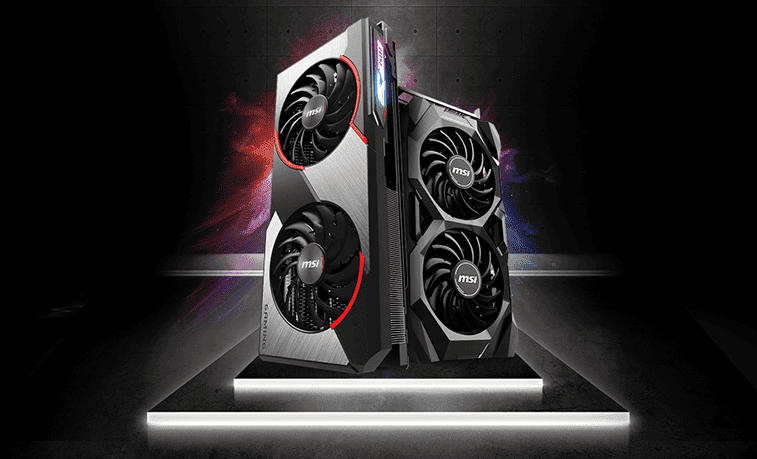
For 1080p builds, the under £1,500 covers it comfortably. For 1440p, look at the under £2,000 range. For 4K, the 4K gaming range and the high-end range are where the cards that manage it live. And if you'd rather set the card against the rest of the build yourself, the PC configurator lets you do that.
Whichever way you go, match the card to the resolution and the refresh rate together rather than to the resolution alone, treat 8GB as a 1080p specification, and check the monitor is running at its full refresh before you buy anything at all.
What to read next


