We accept:


 01706 214 233
Creating an account has many benefits: check out faster, keep more than one address, track orders and more.
For gaming, the graphics card decides your frame rate. The processor's job is to keep up, and the useful question is how much you need to spend before it stops being the thing holding you back.
There is one exception worth knowing before you choose. AMD's X3D processors carry a much larger cache - and that raises frame rates in games specifically rather than in benchmark scores. The rest of this guide covers what the model numbers mean, which specifications matter, and what your budget gets you.
The central processing unit, or CPU, is the part of your computer that runs everything. It takes instructions from the operating system, from the programs you open and from the games you play, works out what needs doing, then tells the rest of the machine to do it.
In a gaming PC it isn't the part producing the picture on screen. That's the graphics card. The processor keeps the card supplied with work fast enough that it never has to wait.
Processors have improved enormously over the last decade. A mid range chip today handles work that would have needed a high end one a few years ago, which is why the question is rarely whether a processor is fast enough. It's more often whether it's the right match for the graphics card sitting next to it.
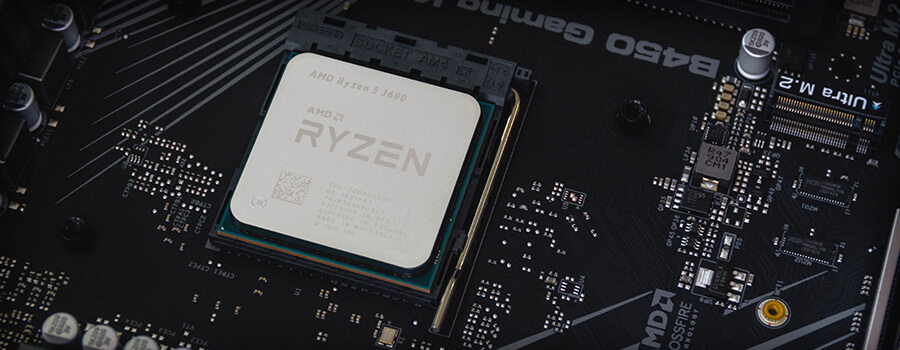
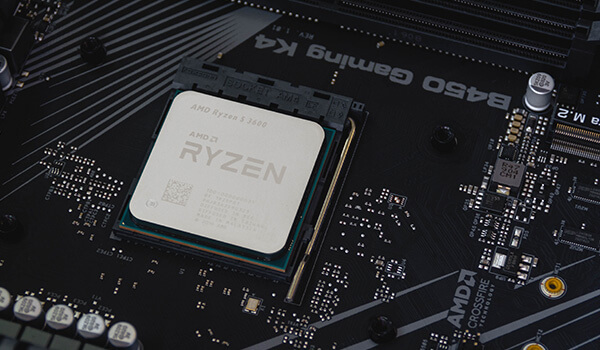
A CPU takes instructions and performs calculations, billions of times a second. At its most basic the process has three stages: fetch, decode and execute. The processor fetches an instruction from memory, works out what it is, then carries it out using the relevant part of the chip.
In a game that means working out where every object is, what the physics are doing, what the AI has decided and where you're looking, then handing all of it to the graphics card to draw. It does that once for every frame you see. At 60fps, sixty times a second. At 240fps, four times as often, which is the fact the next section turns on.
Enough that a weak one costs you frames, and less than most people expect once you're past that point. What matters is knowing where the point sits, because it moves depending on how you play.
This next part sounds backwards until you see the reason for it. Your processor does roughly the same work per frame whatever resolution you use. It works out where everything is, what the physics and the AI are doing, and what needs drawing next, and adding pixels doesn't change any of that. Your graphics card does far more work per frame at 4K than it does at 1080p.
So at 4K the card is the slow part. Each frame takes longer to draw, the frame rate is lower, and the processor has time in hand, which is why a mid range chip keeps up without trouble. At 1080p the card can suddenly produce two or three hundred frames a second, and the question becomes whether the processor can prepare them fast enough. Often it can't, and that's where your ceiling comes from. 4K is the harder job overall. 1080p at a high refresh rate is the harder job for the processor specifically, and competitive shooters at 240fps are the clearest case of it.
Where a faster processor always earns its money is everything that isn't the game. Streaming while you play, editing video, compiling, running background applications. Those are core count and multithreading jobs, and the graphics card can't help.
Whether you're building from scratch or upgrading, the decision comes down to three things: what you do with the machine, what socket you're committed to, and how much of your budget the processor should take.
The sections below work through each. If you're upgrading, start with the socket, because that decides what you can fit before anything else does. If you're building new, start with what you actually do, because that decides everything else.
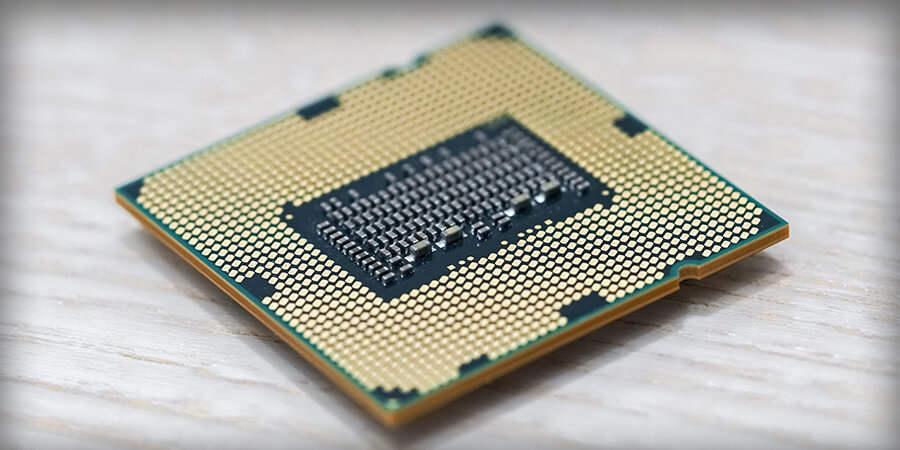
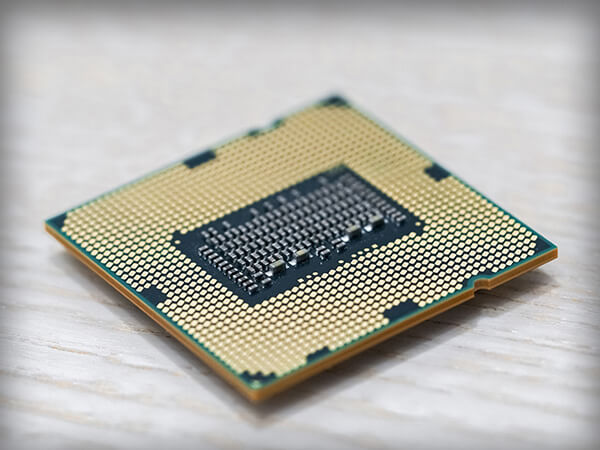
When choosing a processor, consider the following:
Spending as much as you can on the processor is the most common mistake in a first build. Define what the machine is for, then pick the processor that does that job. The bands below are a rough guide to what each level of spend gets you.
Around £80 to £130. For watching video, browsing, office work and light multitasking, an entry level processor with four or six cores is enough. Something like a Ryzen 5 5500 or an Intel Core i3 covers this comfortably.
Worth knowing: at this level you're usually pairing with integrated graphics or a very modest card, so the processor is rarely the thing limiting you. If gaming is on the list at all, skip this band and read the next one.
Around £150 to £350. This is where most gaming builds sit, and where the advice splits.
At the lower end, a Ryzen 5 7500F or an Intel Core i5 14400F will not hold back a mid range graphics card at 1080p or 1440p. Both appear in a lot of our builds for exactly that reason.
Above that, the question is whether you want X3D. A Ryzen 7 7800X3D or 9800X3D carries a much larger cache, which raises frame rates in games specifically and does very little for anything else. If the machine is mainly for playing, that's where the money works hardest. There's also a Ryzen 5 7600X3D if you want the cache at a lower spend.
Around £350 to £550. If you edit video, stream while you play, render or compile, the calculation changes. These are workloads that scale with core count, and the graphics card can't take the load off you the way it does in a game.
A Ryzen 7 9700X or an Intel Core Ultra 7 270K gives you the core count without paying for the top tier. If you do both, gaming and creative work on the same machine, a Ryzen 7 9800X3D covers the pair, since the extra cache still helps in games and the eight cores handle everything else.
On overclocking: the K on an Intel chip and the X on a Ryzen mean the multiplier is unlocked. Worth knowing, though modern processors already boost close to their limit on their own, and the gains from doing it by hand are small compared with buying a tier up. If you want the headroom, budget for a better cooler at the same time.
£550 and up. If you render, run virtual machines, work with large datasets, or genuinely do several heavy things at once, more cores are the answer and this is where you find them.
A Ryzen 9 9950X or an Intel Core Ultra 9 285K gives you sixteen and twenty-four cores respectively on a standard consumer platform, which for most people is where this ends. If you want gaming performance alongside it, the Ryzen 9 9950X3D combines the core count with the X3D cache.
Beyond that sits AMD Threadripper on the sTR5 socket, a different class of machine with different motherboards and memory requirements. It's worth it if you're earning from the work. If you aren't, a 9950X is the sensible ceiling.
Both manufacturers use a tier number to tell you roughly where a processor sits. AMD runs Ryzen 3, 5, 7 and 9. Intel now runs Core Ultra 5, 7 and 9, having dropped the older Core i3, i5, i7 and i9 naming when it moved to the Core Ultra Series 2 platform. You'll still see Core i5 and i7 on the previous generation, which remains good value.
After the tier comes the generation and the model. On a Ryzen 7 9800X3D, the 9 is the generation and the rest identifies the specific chip. On an Intel Core Ultra 7 265KF, the 2 marks Series 2 and the 65 places it within that series. Higher numbers within a family generally mean more cores, higher clocks or both.
Then come the letters at the end, which are the part most people skip and the part that changes what you can do with the chip:
Both manufacturers refresh their processor lines every year or two. The current platforms are AMD's AM5 socket, running Ryzen 7000, 8000 and 9000 series, and Intel's LGA1851 socket, running Core Ultra Series 2. The previous Intel platform, LGA1700, covers 12th to 14th generation Core processors and is still widely sold.
Buying a generation behind is often good value, and the performance gap between adjacent generations is usually smaller than the price gap. What it costs you is upgrade path. AM5 will take several more processor generations, so a Ryzen 5 bought today can become a Ryzen 9 later on the same board. LGA1700 is at the end of its life, so a 14400F is likely the last processor that board will ever hold.
If you expect to upgrade the processor without rebuilding the machine, that's the deciding factor rather than the generation number itself.
A spec sheet gives you a lot of numbers. These are the ones that matter:


The socket is the physical connection between the processor and the motherboard, and it's the one compatibility check that can't be worked around. A Ryzen 9000 chip won't fit an AM4 board, and a Core Ultra won't fit an LGA1700 board, whatever else the specifications say.
If you already have a motherboard, the socket decides what you can buy. If you are building new, choosing the socket first makes everything after it simpler. Our motherboard bundles pair a processor with a compatible board, so the check is already done.
| Socket | Processors | Common chipsets | Memory | Upgrade path |
|---|---|---|---|---|
| AM5 | AMD Ryzen 7000, 8000 and 9000 series, including X3D | A620, B650, B850, X870 | DDR5 | Current. AMD have committed to further generations |
| AM4 | AMD Ryzen 5000 series and earlier | A520, B550, X570 | DDR4 | End of life, but still good value |
| LGA1851 | Intel Core Ultra Series 2 | H810, B860, Z890 | DDR5 | Current Intel platform |
| LGA1700 | Intel Core 12th, 13th and 14th generation | H610, B760, Z790 | DDR4 or DDR5 | End of life |
Three things to decide - What you do with the machine - which sets how many cores you need, whether you play more than you create - which decides whether X3D is worth it, and what socket you are on - which decides what will fit.
For gaming, the processor's job is to not hold the graphics card back. Work out the card first, then buy the processor that clears that bar, and put what is left into memory and storage rather than into a higher tier chip that will not add frames.
Where to go next
Ready to buy


