We accept:


 01706 214 233
Every bundle here pairs a processor with a compatible motherboard, so the two parts you most easily get wrong are already matched. Bundles arrive partially assembled with the processor fitted and the BIOS updated to the current version, which means we can run a full hardware test before it ships rather than leaving you to find out.
Choose a fixed bundle, or start from one and change the parts using the configurator. Either way the compatibility is checked before it reaches you, and everything is covered by a 3 year return to base warranty.
Creating an account has many benefits: check out faster, keep more than one address, track orders and more.
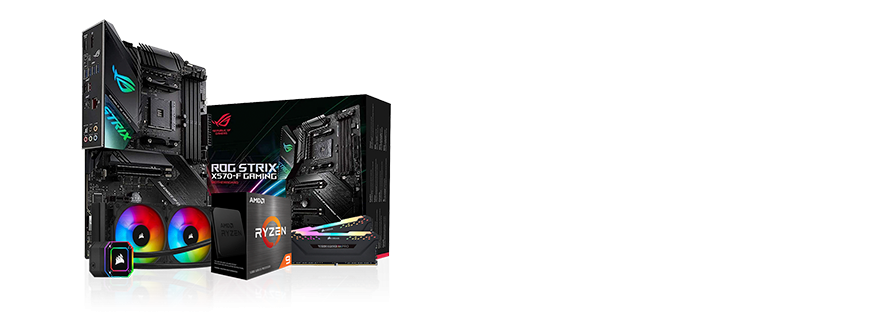
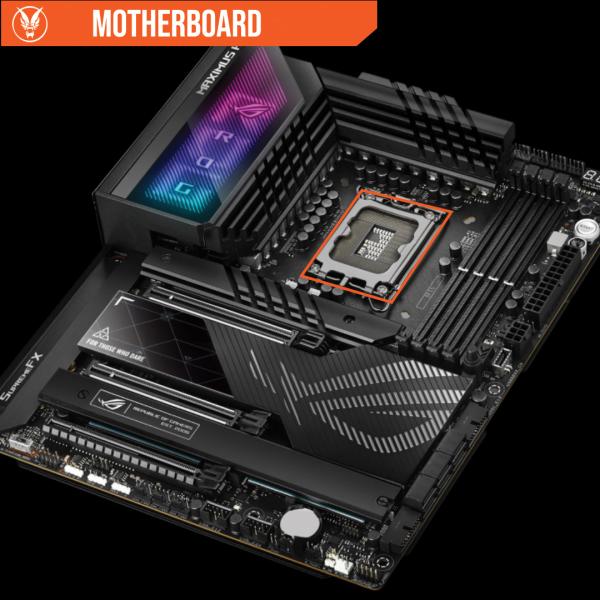
A motherboard bundle is a processor and a compatible motherboard sold together, so the two parts most likely to be mismatched are already matched. It is the usual starting point for a self build, and the usual way to upgrade a machine where the case, drives and graphics card are still good but the platform is not.
Bundles ship partially assembled rather than as loose boxes. That is not for convenience, it is so we can test the parts together before they leave.
The BIOS point is the one that matters most. A new board shipped from a distributor often carries firmware older than the processor you are pairing with it, which means the system will not post until the BIOS is updated, and updating it usually needs a processor the board already supports. Every bundle here has already been through that step.
Both platforms are worth building on. The practical difference is the upgrade path rather than the performance.
Current Intel bundles run Core Ultra Series 2 processors on the LGA1851 socket with 800 series chipsets, alongside older 12th, 13th and 14th generation Core processors on LGA1700 with 600 and 700 series chipsets. DDR5 throughout on the newer platform, with DDR4 still available on some LGA1700 boards.
Browse the range in Intel motherboard bundles.
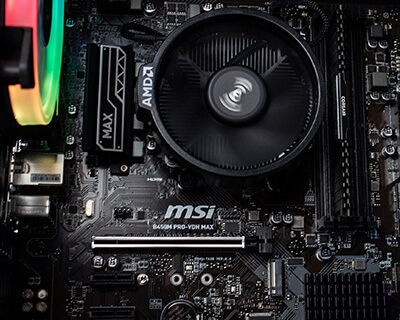
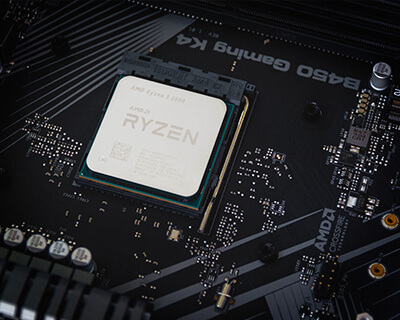
AM5 is the current AMD socket, running Ryzen 7000, 8000 and 9000 series processors on DDR5, and AMD have committed to supporting it for several more processor generations. AM4 is the older socket and still good value, running Ryzen 5000 series on DDR4, and it remains the cheapest way into a new build.
If you expect to change the processor without changing the board, AM5 is the platform with the longer runway. Browse the range in AMD motherboard bundles.
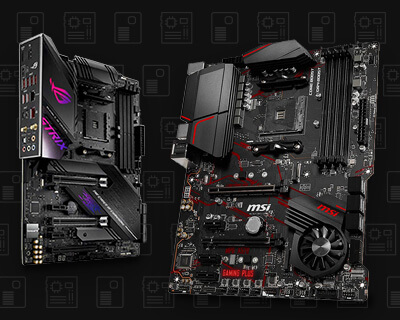
The processor and the board have to share a socket. That is handled for you in a bundle, but it matters if you plan to reuse either part later. The chipset then decides what the board can do beyond the basics: overclocking support, the number of PCIe lanes, and how many M.2 drives you can fit. If you want to choose the board yourself rather than take a bundle, our full motherboard range is listed separately.
Boards come in mITX, mATX and ATX. If you already have a case, check what it takes before you order, because a full ATX board will not fit a small form factor case. If you are buying a case at the same time, note that a smaller board limits how many expansion slots and memory slots you get. Our PC cases list the board sizes each one supports.
Count what you actually need rather than what looks generous. One PCIe x16 slot for a graphics card, enough M.2 slots for the drives you plan to fit, and enough rear USB ports for your peripherals. Adding a capture card or a second drive later is much easier if the slot is already there.
Every current board has wired ethernet. Built in WiFi costs a little more and is worth it if the machine is not going next to the router, since it saves buying an adapter later.
If you would rather not build at all, our gaming PCs arrive assembled, tested and ready to use. If you want to specify a complete machine part by part, the PC configurator checks compatibility as you go.