We accept:


 01706 214 233
Creating an account has many benefits: check out faster, keep more than one address, track orders and more.
Two checks, 5 minutes, and you'll know for your machine rather than in the abstract.
First, turn on an overlay that shows graphics card utilisation, then play a game normally for a few minutes at your usual settings. If the card sits at 95 to 100%, the graphics card is your limit. That's the normal and generally desirable state, because it means you're getting everything the card can give. If it sits well below that, say at 60 or 70%, while your frame rate is lower than you'd like, something else is holding it back: usually the processor.
Second, drop the resolution down a tier or two, and watch what happens to the frame rate. If it jumps, you were graphics-limited, but if it barely moves, you're processor-limited, because the CPU is doing the same amount of work regardless of how many pixels the card is drawing.
That second test is decisive and takes about a minute. It's worth more than any amount of reading about component pairings, including this article.
Which matters before you act on the result. Something in your PC is always the limiting factor. That isn't a fault, it's how a computer works: one component finishes its part of the job first and waits for another.
So, the question was never whether you have a bottleneck; it's whether the component doing the limiting is the one you'd want limiting you, in the games you actually play, at the resolution you actually use.
For most people at 1440p or 4K that's the graphics card, and that's the right answer. If you play competitive shooters at 1080p chasing high frame rates, it's probably the processor, and that's also fine as long as you know.
This is where most self-diagnosis goes wrong.
You look at total processor usage during a game, see 35%, and conclude the CPU can't possibly be the problem. But games don't spread work evenly across cores. A large share of the work often falls on one main thread, and if that single thread is saturated, the game is limited by it no matter what the overall figure says.
Therefore, a machine can be completely processor-limited while showing modest total CPU usage. Flight simulators are the classic example and even report it directly, and the same pattern shows up in strategy games, big open worlds and busy multiplayer.
Look at graphics card utilisation instead as it's the more honest signal, because there's no equivalent way for a GPU to be busy and idle at the same time.
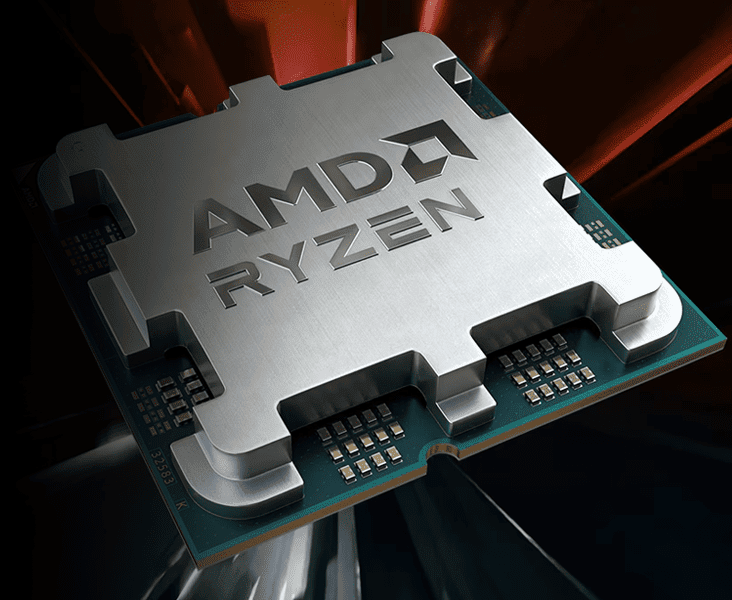
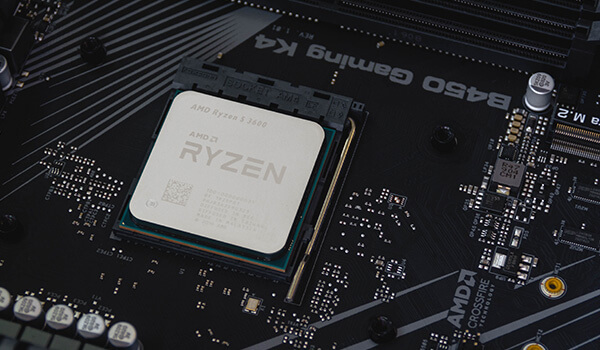
You'll find plenty of sites that take a processor and a graphics card and return a percentage. They can't tell you anything useful, and it's worth understanding why rather than just being told.
The same pair of components produces completely different answers depending on what you're doing. Take any mid-range CPU with any current graphics card. At 4K in a demanding single-player game, the graphics card will be flat out and the processor coasting. At 1080p in Counter-Strike, the reverse. Nothing about the hardware changed.
A calculator that doesn't know your resolution, your game, your settings, or whether you're streaming at the same time is producing a number from two names; it cannot be right, because there isn't a single right answer to give.
The related idea, that a build should be "balanced", is similarly hollow. A pairing is only balanced for a particular use; a machine perfectly balanced for 4K single-player gaming is CPU-limited the moment you point it at an esports title, and there's nothing wrong with either machine.
Resolution, more than anything because the higher you go, the more work the graphics card does and the less the balance depends on your processor. At 4K the difference between a good CPU and an excellent one is often within a frame or two; at 1080p it's clearly visible.
Then the type of game: competitive shooters, simulators, strategy titles with a lot of units, AI or physics lean on the processor, where graphically rich single-player games lean on the card.
Then what else you're running, since streaming, recording or a lot of background applications open shifts load onto the processor.
Lastly, your frame rate target; chasing 240fps puts far more pressure on the processor than targeting 60fps, because it has to prepare frames 4 times as fast. We cover that specific case in more depth in our guide on hitting 240fps in competitive shooters.
If you're graphics-limited and want more frames, you have 3 routes: lower settings (particularly the expensive ones like ray tracing and shadow quality), use upscaling, or upgrading the graphics card.
If you're processor-limited, some of the usual advice actively won't help. Lowering the resolution and turning down texture quality does nothing. What can help is reducing the settings that cost CPU time rather than GPU time, which tends to mean draw distance, crowd or traffic density, physics detail and shadow counts rather than shadow resolution. Beyond that, it's a processor upgrade, and if you're on an older platform that means a motherboard and probably memory too. Therefore, make sure to price it properly before deciding, because at that point, you're building a new machine rather than upgrading one.
Two things worth ruling out first, because they look like bottlenecks and aren't. A memory profile that was never enabled, so fast memory is running at a slow default, which is a BIOS setting rather than a hardware problem. And thermal throttling, where a component drops its clock speed because it's too hot, which looks like underperformance and is a cooling or dust problem.
Both are free to check and both are more common than people expect. Rule them out before you buy anything, and ignore the calculators entirely, because they're guessing with less information than you already have.
If you're specifying a new machine and want the balance weighted towards one side or the other, the PC configurator lets you set it yourself, or you can compare complete builds across the gaming PC range.
What to read next


