We accept:


 01706 214 233
Creating an account has many benefits: check out faster, keep more than one address, track orders and more.
What decides whether you're happy with a screen is whether its resolution and refresh rate match what your PC can actually drive. Most monitor regret comes from getting that wrong, not from choosing the wrong panel technology.
For most people the answer is a 27 inch 1440p screen at 144Hz or better. It's the point where sharpness, size and frame rate all land somewhere sensible, and where a mid-range graphics card can keep up. If you play competitively, drop to 1080p and put the money into refresh rate. If you have a high-end card and mostly play single-player games, 4K is where it earns its keep.
These two decisions are really one decision, because they compete for the same graphics card.
1080p: The easiest to process, which means you can afford a very high refresh rate. The right choice for competitive shooters, and the right choice if your card is mid-range or below. At 24 inches it looks sharp. At 27 it starts looking soft.
1440p: The sweet spot for most people. Noticeably sharper than 1080p, and a current mid-range card can hold high frame rates. 27 inches is the natural size.
4K: A real step up in image quality, and it asks a great deal more of the graphics card. With upscaling it's within reach of upper mid-range cards. Natively at high refresh rates, it isn't.
On refresh rate: 60Hz is the past, 144Hz is the sensible target, and 240Hz and above is for competitive play specifically. The jump from 60 to 144 is dramatic and everyone notices it. The jump from 144 to 240 is real and much smaller.
The thing to avoid is buying a screen your PC can't feed. A 4K 240Hz panel behind a mid-range card spends its life running at neither.
Four technologies, and the differences are simpler than the marketing makes them.
IPS. The sensible default. Good colour, good viewing angles, and modern fast IPS panels are quick enough for anything short of professional competitive play. Contrast is the weakness, so blacks look grey in a dark room.
VA. Much better contrast, so dark scenes look genuinely dark. The trade-off is slower pixel transitions, which can show as smearing in fast dark scenes. Good for single-player and film, less good for shooters.
OLED. The best contrast and the fastest response by a distance, and it looks spectacular. It also costs considerably more, and static elements like a game's interface or a taskbar carry some burn-in risk over years of use. Modern panels have mitigations and warranties covering it, though it's a real consideration if the screen doubles as a work display.
TN. Fast and cheap, with poor colour and viewing angles. Largely superseded and not worth seeking out.
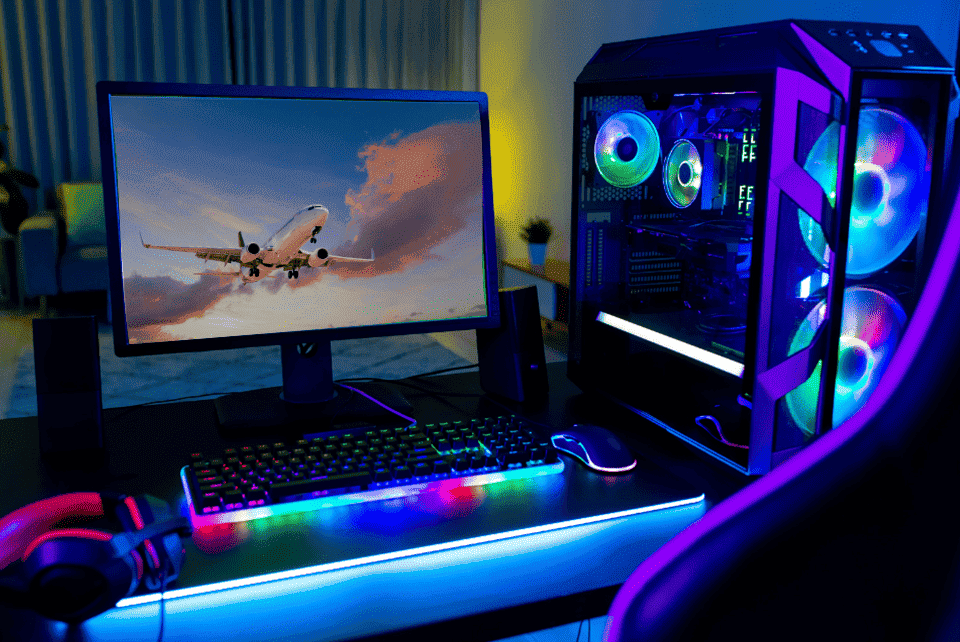
Size and resolution together decide how sharp the image looks, and sitting distance decides whether that matters.
At normal desk distance, 24 inches suits 1080p, 27 inches suits 1440p, and 27 to 32 inches suits 4K. Go bigger at the same resolution and individual pixels become visible. Go smaller and you're paying for sharpness you can't see. A 32 inch 1080p screen is a bad purchase, and they exist.
If the screen is further away, in a living room for instance, larger works fine, because the maths changes.
Almost every gaming monitor claims 1ms response time, but that figure is measured in a best case which doesn't reflect normal use, so two panels quoting the same number can behave very differently. What matters is how the panel handles transitions across its whole range, and how well its overdrive is tuned. This is one of the few areas where reading a proper review is worth the time, because the specification sheet genuinely won't tell you.
Most monitors sold as HDR aren't delivering it in any meaningful sense, usually HDR 400-600. Real HDR needs high brightness and local dimming, and a panel that simply accepts an HDR signal without either will look worse in HDR than it does in normal mode. If you want the HDR feature for playing single-player games where it will matter the most, pick a monitor with at least HDR 1000, otherwise, if you don’t play single-player games often, don’t bother paying extra for HDR.
Get variable refresh rate; it is sold as G-Sync or FreeSync depending on the vendor. Variable refresh rate lets the monitor match its refresh to whatever your PC is producing, which removes tearing and smooths out dips. It's close to universal on gaming monitors now, and there's no good reason to buy one without it.
Use DisplayPort for high refresh rates. HDMI works, and HDMI 2.1 handles 4K at high refresh, but DisplayPort is the safer default on a PC as it usually always runs faster than HDMI; if you want to make sure, check the technical specification either on the monitor’s manual or on the manufacturer’s website. Also, check the cable in the box actually supports what you bought, because a monitor shipping with a cable rated below its own capability is more common than it should be.
Once it's plugged in, check Windows is actually running it at its full refresh rate as panels frequently default to 60Hz regardless of what they're capable of, and a lot of people run high refresh screens at 60 for months without realising.
Ultrawide at 3440x1440 is genuinely more immersive in single-player games and driving sims, and it asks roughly as much of your graphics card as a step above regular 1440p. Not every game handles the aspect ratio well, and it's a poor choice for competitive play, where some titles simply crop it. Worth it if you know what you want it for.
Two screens is a different goal entirely since a second monitor can be used for chat, browsers and reference, which is a productivity upgrade rather than a gaming one, and it doesn't need to match the first.
If you're building or buying a PC at the same time, price a complete bundle where the screen is already matched to the machine. That avoids the most common mistake in a first setup, which is a monitor and a graphics card that don't suit each other.
If you're buying the screen separately, we stock a range of gaming monitors.
And if the monitor is the strongest part of your setup and the PC is holding it back, that's the thing to fix first. There's no benefit in a 240Hz panel fed 70 frames a second.
For most people the target is 27 inch, 1440p, 144Hz or better, IPS, with variable refresh rate. Adjust down to 1080p if you play competitively or your graphics card is mid-range, adjust up to 4K if your card can drive it.


